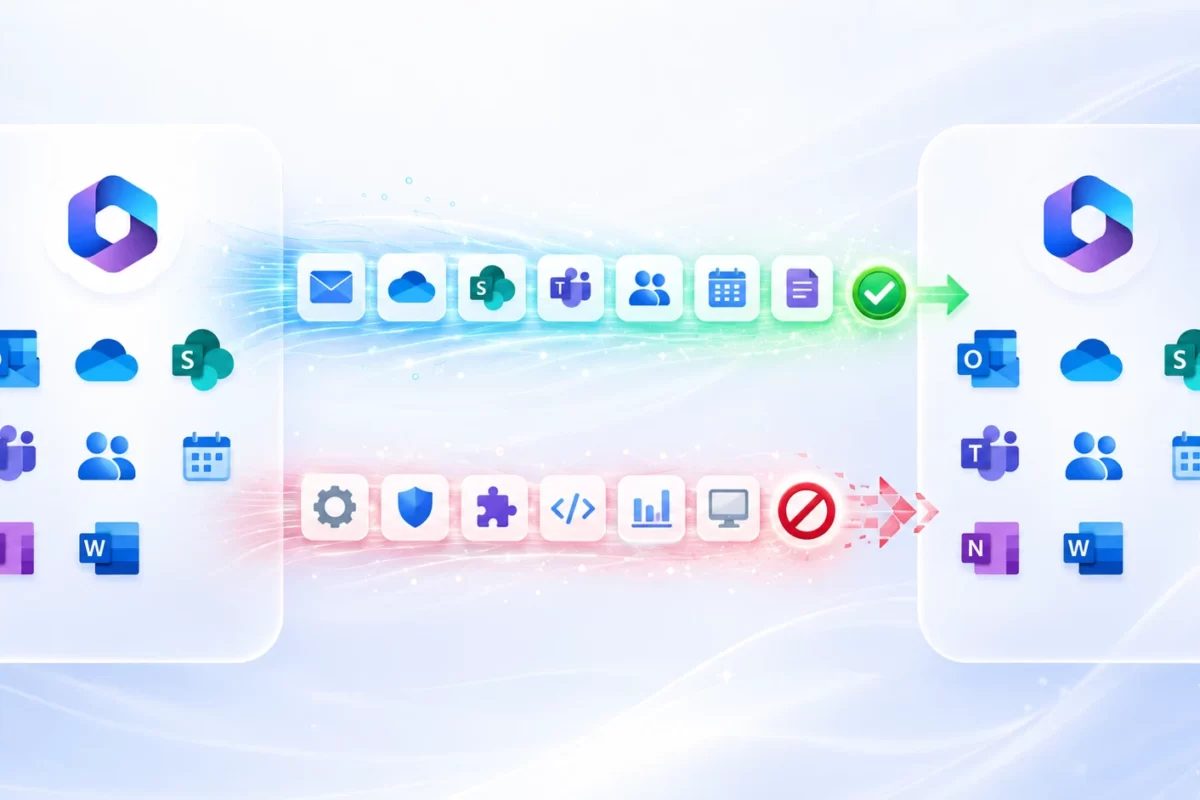
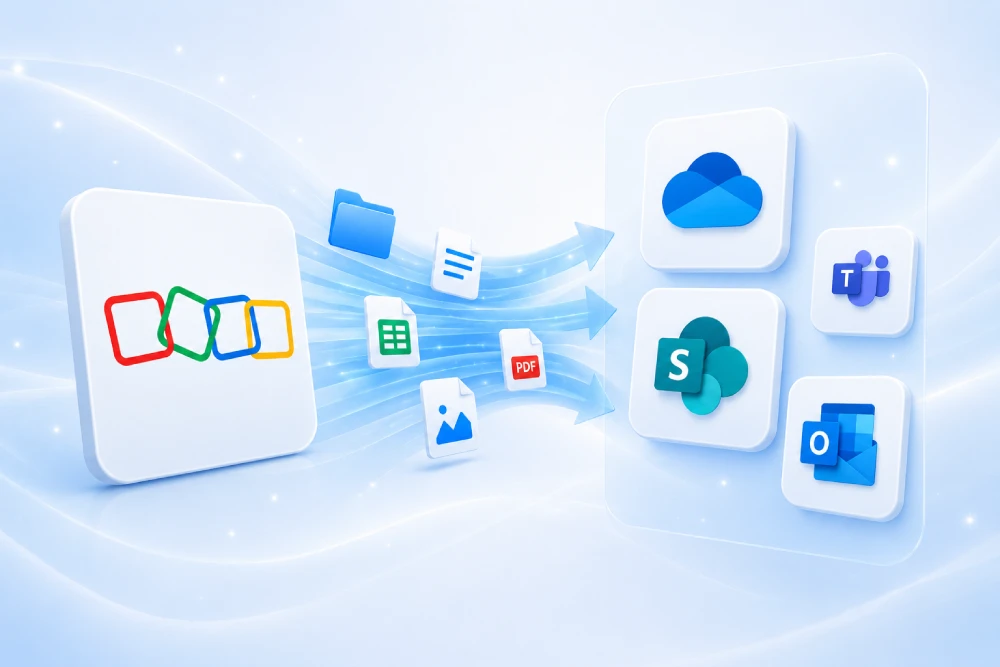
Need to migrate from GoDaddy to Microsoft 365 without disruption?
At MSAdvance, we deliver GoDaddy to Microsoft 365 migrations with a continuity-first approach: email, identity, domain/DNS, Teams, OneDrive, and security, with reinforced support during go-live.
- Migration from GoDaddy Microsoft 365 (reseller) to a direct Microsoft tenant.
- Migration from GoDaddy IMAP/Workspace email to Exchange Online.
- Domain and DNS cutover plan (MX/SPF/DKIM/DMARC) with runbook and validation.
Migrating from GoDaddy to Microsoft 365 is not “just changing email.” It is a transition of identity, domain, mail flow, collaboration, and support. The approach that works best combines: real inventory, scenario decision (reseller vs IMAP), a Day 1 plan, wave-based migration, and security hardening from the start.
Executive summary: 12 decisions that determine success
- Define the exit scenario: GoDaddy M365 (reseller) or GoDaddy IMAP/Workspace.
- Choose the target model: a single direct Microsoft tenant (recommended for SMB/mid-market companies).
- Prioritize by process: sales, customer service, billing, operations, and leadership.
- Identity first: users, UPN, MFA, conditional access, and service accounts.
- Email and calendar as the “visible front”: delegations, shared mailboxes, rules.
- Do not underestimate DNS: MX/SPF/DKIM/DMARC and post-change validation.
- Plan contacts/calendars: IMAP does not migrate them automatically.
- Document ownership: sites, shared mailboxes, flows, and apps.
- Cutover runbook: minute-by-minute execution + fallback plan.
- 72-hour hypercare: single channel, criticality-based triage, and fast escalation.
- Business KPIs: continuity, critical incidents, MTTR, and mail delivery quality.
- Post-migration closure: hardening, technical cleanup, and license/cost optimization.
Target keywords (SEO) for this article
These keywords are integrated into the content to capture real migration intent searches:
- GoDaddy to Microsoft 365 migration
- move Microsoft 365 away from GoDaddy
- move email from GoDaddy to Microsoft 365
- migrate GoDaddy email to Outlook 365
- IMAP to Exchange Online migration
- transfer GoDaddy domain to Microsoft 365
- configure MX SPF DKIM DMARC Microsoft 365
- defederate GoDaddy Microsoft 365
- Microsoft 365 tenant-to-tenant migration
- GoDaddy to Microsoft 365 migration service for businesses
Introduction: why migrate from GoDaddy to direct Microsoft 365
Many companies start with GoDaddy email because procurement is fast. The challenge appears as they grow: stronger security requirements, higher governance needs, deeper integration with other Microsoft services, and the need for greater operational control.
Moving from GoDaddy to direct Microsoft 365 usually improves administrative control, standardization, and scalability. But only if executed with method: inventory, correct migration path, and a non-improvised domain cutover.
1. Real starting scenarios (reseller vs IMAP)
1.1 Scenario A: you already have “GoDaddy Microsoft 365”
You are not starting from scratch: you already have Microsoft 365 mailboxes, but managed through GoDaddy (reseller model). The objective is to move to direct Microsoft subscription/administration, with less dependency and stronger control.
1.2 Scenario B: you use GoDaddy IMAP/Workspace/Professional Email
Here the technical jump is more “classic”: IMAP mailbox migration to Exchange Online. You must separately plan contacts, calendars, and tasks so critical information is not left behind.
1.3 Scenario C: hybrid (multiple units, domains, or locations)
In companies that grew through acquisitions or branch expansion, mixed scenarios are common. In this case, it is best to split migration by operational blocks, not by org chart.
2. Due diligence and technical prework before moving anything
Success is not decided on cutover day, it is decided in preparation. This is the minimum checklist that prevents surprises:
2.1 Mandatory inventory
- Identity: users, aliases, shared accounts, privileged accounts, service accounts.
- Email: mailboxes, delegations, groups, rules, forwarding, connectors, and signatures.
- Domain: current registrar, DNS host, TTL, MX/SPF/DKIM/DMARC records.
- Collaboration: Teams, OneDrive, SharePoint, real owners per team/site.
- Automation: Power Automate flows and Power Apps apps supporting business processes.
- Devices: corporate endpoint/BYOD, compliance state, and mobile access.
2.2 Questions that unlock decisions
- Which processes cannot degrade for even 1 hour?
- Which users must be in the first wave no matter what?
- Which data sits outside email (contacts/calendars), and how is it preserved?
- Who signs the domain cutover “go/no-go”?
3. Path A: move Microsoft 365 away from GoDaddy (reseller)
This path applies when you already run Microsoft 365 purchased through GoDaddy and want to move to direct Microsoft.
3.1 Recommended operational sequence
- Backup and validate critical data.
- Provision Microsoft 365 destination plan (direct Microsoft).
- Create destination users/licenses.
- Migrate email in waves.
- Switch DNS and run post-cutover validation.
3.2 What you must plan no matter what
- Contacts and calendars: specific export/import or synchronization plan.
- Propagation time: coexistence window and expected incidents.
- Communication: what users may notice and how to request support.
4. Path B: GoDaddy IMAP/Workspace migration to Exchange Online
If your source is IMAP/Workspace, migration to Exchange Online requires tighter data discipline: IMAP for email + a parallel plan for contacts/calendars/tasks.
4.1 Recommended method
- Prepare Microsoft 365 tenant, domains, and users.
- Configure IMAP batch(es) in controlled waves.
- Validate send/receive during coexistence.
- Migrate contacts/calendars with an agreed method by user profile.
- Execute DNS cutover and hypercare.
4.2 What not to forget in IMAP
- Pilot test with real profiles (sales, administration, leadership).
- Control historic message sizes and “dirty” mailboxes.
- Functional UAT (not just “email arrives”).
5. Identity, access, and baseline security
If identity fails, everything looks broken. That is why we recommend enabling a minimum security baseline from the start:
- MFA for all users, with temporary, expiring exceptions only where justified.
- Conditional access by risk, location, and device state.
- Review of admin privileges and service accounts.
- Documented and audited emergency (break-glass) account.
5.1 Service account governance
“Technical” accounts often break processes silently (ERP, CRM, automations). Treat them as critical assets: owner, controlled credentials, tests before and after cutover.
6. Domain, DNS, and email authentication
This point defines the visible user experience of the project. A domain cutover without a runbook usually turns into a cascade of incidents.
6.1 Domain runbook blocks
- Preparation: clean domain usage where required and validate destination.
- Execution: controlled MX/SPF/DKIM/DMARC switch.
- Validation: internal/external tests, calendars, mobile, signatures, and delivery queues.
6.2 SPF, DKIM, and DMARC (do not leave it “for later”)
In migrations with outbound infrastructure changes, postponing authentication causes spam placement, rejections, and loss of trust. Configure and validate within the cutover window.
7. Day 0 / Day 1 / Day 7 / Day 30 plan
| Milestone | Objective | Expected outcome |
|---|---|---|
| Day 0 | Final preparation and go/no-go | Validated runbook, communication sent, support ready |
| Day 1 | Operational continuity | Critical email and access working for key areas |
| Day 7 | Early stabilization | Repeating incidents decreasing and remediations closed |
| Day 30 | Consolidation | Hardening, technical cleanup, and normalized governance |
Practical rule: Day 1 is continuity, not perfection. Perfection arrives on Day 30 with real usage data.
8. Teams, OneDrive, SharePoint, and Power Platform
In many companies, projects are judged by email, but real operations also run in Teams and files. If you only migrate mailboxes, you leave operational risk open.
8.1 OneDrive/SharePoint
- Classify sites and folders by business criticality.
- Assign a business owner for each site/team.
- Recertify permissions after each wave.
8.2 Teams
- Prioritize operations, sales, customer service, and leadership teams.
- Avoid “cleaning and migrating at the same time” in critical teams.
- Maintain a one-page user guide per relevant change.
8.3 Power Platform
Inventory apps and flows before moving identities or connections. What is not inventoried often breaks silently in production.
9. Native vs third-party: how to decide
| Approach | Advantages | Limits | When it fits best |
|---|---|---|---|
| Native Microsoft | Official alignment, lower stack complexity | Workload-specific conditions | Standard scenarios with good governance |
| Specialized third-party | Advanced automation and reporting | Additional license/cost | Large-scale or heterogeneous environments |
| Hybrid | High flexibility | Higher PMO/runbook discipline required | Complex multi-site migrations |
10. Real costs and savings levers
Final cost does not depend only on “number of mailboxes.” It is driven by inventory quality, permission complexity, DNS condition, hidden automations, and support model.
- Cost goes up: poor inventory, unrehearsed cutover, late communication.
- Cost goes down: representative pilot, runbooks, organized hypercare, and weekly KPIs.
11. KPIs that truly matter
| Dimension | KPI | Indicative target |
|---|---|---|
| Continuity | Critical processes operational on Day 1 | > 95% |
| Critical incidents post-cutover | Near 0 | |
| Support | Incidents per user (week 1) | < 0.30 |
| Delivery performance | Users migrated within window | > 98% |
| Security | MFA coverage in critical profiles | 100% |
12. Common risks and mitigation
| Risk | Impact | Mitigation |
|---|---|---|
| Choosing the wrong migration scenario | High | Initial workshop + decision tree (reseller vs IMAP) |
| DNS cutover without rehearsal | High | Rehearsed runbook + post-change validation |
| No contacts/calendar plan | High | Specific plan by user profile |
| Service accounts not inventoried | High | Technical inventory + E2E testing |
| Communication too technical | Medium | Role-based guides and live FAQ |
13. Ready-to-use operational checklists
13.1 Pre-migration checklist
- Starting scenario validated (reseller / IMAP / mixed).
- Inventory of users, mailboxes, aliases, and groups.
- Inventory of service accounts and connectors.
- DNS and email runbook validated by owners.
- Role-based communication plan ready.
13.2 Cutover checklist
- DNS change executed according to runbook.
- Internal-external send/receive tests.
- SPF/DKIM/DMARC verification.
- Testing on mobile, desktop, and webmail.
- Active support channel and criticality-based triage.
13.3 Post-migration checklist (Day 7/30)
- Repeating incidents closed and documented.
- Permissions recertified in critical teams/sites.
- Security hardening applied.
- License and operating cost optimization.
- Lessons learned integrated into internal standards.
14. Extended FAQ
How do I move my Microsoft 365 from GoDaddy to direct Microsoft?
Start by confirming the reseller scenario, prepare backup and destination tenant, migrate in waves, and execute DNS cutover with a checklist and reinforced support.
What is lost when migrating from GoDaddy via IMAP?
With IMAP, you must plan contacts, calendars, and tasks separately; do not assume they move together with email.
How long does a GoDaddy to Microsoft 365 migration take?
It depends on volume, complexity, and preparation quality. With pilot + waves + DNS runbook, continuity is usually much more stable.
Is it mandatory to change domain?
Not always. You can keep the domain and only change platform, but you must correctly reconfigure DNS and email authentication.
What should I do with Teams, OneDrive, and SharePoint?
Treat them as in-scope from day one: ownership, permissions, critical sites, and role-based communications.
Can this be done without stopping business operations?
Yes, with a continuity-first model: minimum viable Day 1, criticality-based waves, hypercare, and risk governance.
15. Official resources and external links
GoDaddy (official)
Microsoft 365 (migration and email)
Domain and DNS in Microsoft 365
Email authentication
Cross-tenant scenarios (when applicable)
Recommended internal linking (MSAdvance)
You can link internally to: Microsoft 365 Migration, Modern Workplace, Microsoft Security, and all MSAdvance services.
16. Conclusion and next steps
Migrating from GoDaddy to Microsoft 365 can be either a lever for order and growth or a source of ongoing incidents. The difference is method: correct scenario, real inventory, wave-based execution, well-planned DNS, and reinforced support.
- Define the starting scenario precisely (reseller vs IMAP).
- Design Day 1 for business continuity, not technical aesthetics.
- Secure email authentication and hardening from the beginning.
Want to turn this guide into an executable plan for your company?
MSAdvance helps you move from “we need to migrate” to “we have a plan with milestones, controlled risk, and real continuity.”