
Practical guide · Microsoft 365 migration
Microsoft 365 migration acceptance: evidence before sign-off
Accepting a Microsoft 365 migration requires three kinds of evidence: the agreed data is available in the destination, users can work with the correct access, and every exception has an owner and an explicit decision. A migration tool’s completed status only confirms the outcome that the tool measures. Business acceptance needs a wider view.
This guide sets out a sign-off record for IT leaders, administrators and information owners. It focuses on closing a migration wave with verifiable evidence rather than repeating the migration procedure. The approach helps organize testing; the actual capabilities still depend on the source, workload and migration method.
Define what the organization is accepting
Separate transfer completion, technical validation and the decision to hand over to operations. A wave may finish transferring data while calendar delegation still needs attention. It may also be accepted with a documented minor issue, provided the service owner approves the remaining risk and an agreed workaround exists.
Create a record for each population or service: mailboxes, personal files, shared libraries and collaboration. Identify the source and destination, included users, exclusions, cutover point and expected evidence. If acceptance criteria change after execution, record the change. Do not quietly reinterpret the scope to match the result.
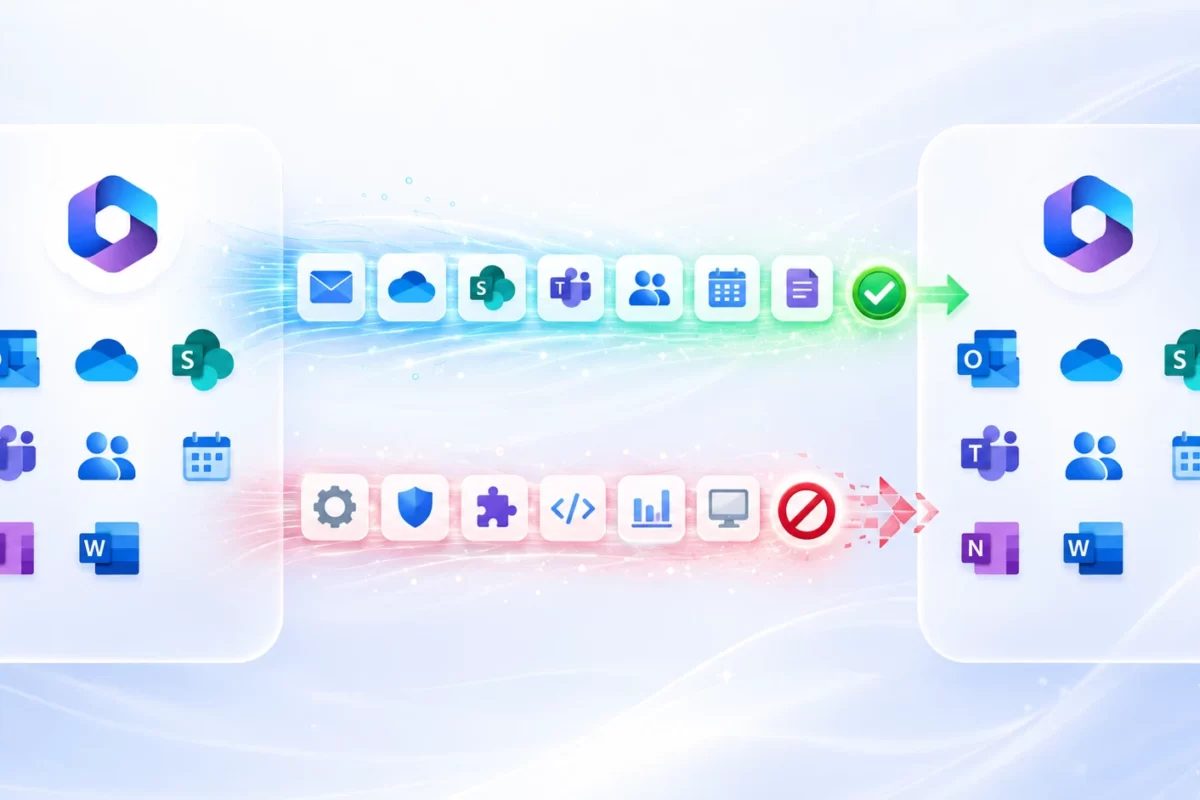
MSAdvance’s guide to what can be migrated between Microsoft 365 tenants helps distinguish workloads. Your sign-off record must describe the conditions of your own project, including features that will be recreated rather than transferred.
A testable criterion needs context
“Email works” is not a repeatable test. A useful criterion names the population, operation, expected outcome and closure condition. For example, a finance user sends from a shared mailbox to a controlled external account, the message arrives with the expected sender, and its sent copy appears in the agreed location. This wording gives the test an owner and makes the precise behavior observable.
Define who can accept the outcome as well. The administrator verifies configuration, the process owner confirms that people can work, and the project manager records the decision. Supplier approval cannot replace customer validation. For phased projects, keep a versioned record for each wave and an overall summary showing dependencies that remain open.
A test matrix that supports a decision
| Area | Acceptance test | Evidence and owner |
|---|---|---|
| Identity | Access the destination with a representative user and the planned controls | Result, timestamp and user profile; identity owner |
| Send and receive internally and externally; test calendars and agreed delegation | Test messages and functional outcomes; Exchange administrator | |
| Files | Open, edit and locate representative documents; reconcile the inventory | Reports and an identified sample; data owner |
| Permissions | Authorized users can access content and excluded users cannot | Identity mapping and positive/negative tests; security owner |
| Operations | Support understands outstanding issues, owners and recovery procedures | Exception register and handover record; service owner |
This matrix is an MSAdvance management recommendation, not a universal Microsoft requirement. Adapt the cases to business criticality. A department handling regulated documents needs a different sample from a team working with temporary files. The tests should reflect real workflows rather than only convenient technical checks.
Choose a sample you can explain
Do not select only users who happen to be available. Group the population by characteristics that could change the outcome: source platform, size, delegation, external access, security restrictions and clients used. Include known difficult cases and a relevant workflow from each group. Record both the population size and the number of cases tested.
Functional sampling and complete report reconciliation serve different purposes. You can review the reported state of every inventoried object while manually testing a sample of user experiences. If a failure reveals a pattern, expand testing across the affected population. Avoid claiming an overall success percentage that mixes users, files and test cases. Those units measure different things and cannot be combined meaningfully.
Reconcile data without relying on misleading totals
Keep the pre-cutover inventory and compare it with reports covering the same scope. Do not confuse scanned files with eligible files, or filtered items with failures. For file-share migrations, Migration Manager reports distinguish these measures. Record when reports were generated and retain the evidence you need before it becomes unavailable.
A difference in totals requires an explanation, but does not automatically prove loss. Approved exclusions, versions outside the scope or transformations introduced by the migration method can affect counts. Classify each difference as expected, requiring investigation or a confirmed defect. The explanation should be supported by a report or test rather than existing only in a conversation.
Functional sampling complements the totals. Based on the inventory, choose large documents, unusual names, deep folder structures and particular access patterns. Check opening and editing through the clients used by the business. Do not describe a sample as full verification: record its coverage and the areas that remain untested.
Build a discrepancy register
For each task, retain its identifier, source location, destination, execution, filters and last-change point. Compare the inventory with the final relevant execution for the cutover. A pre-stage report does not establish that later modifications were transferred. Where incremental passes are supported, document the last pass and which changes the selected method could process.
Consider a hypothetical library with 10,000 inventoried files, 9,950 eligible files, 9,930 transferred files and 20 failures. The 50 excluded files need a scope justification, while the 20 failures need investigation. A transferred count of 9,930 cannot be presented as complete coverage. Adding execution totals is also unsafe: the same file can appear in several reports and inflate the apparent result.
Retain reports during the project. Microsoft distinguishes Migration Manager file-share reports from cloud migration reports. Both report sets document a 90-day expiry. Export the evidence you need and define its access and retention, without treating that period as a universal policy for other tools.
Email and calendars: test the working day
Test the relevant mail routes using controlled accounts and test content. Record sender, recipient, time and outcome. Include calendars, shared mailboxes and delegation where they are in scope. Avoid collecting confidential production messages to demonstrate a test that can use synthetic data.
Microsoft’s native cross-tenant mailbox migration has specific conditions. It requires the relevant migration license add-on as well as suitable subscriptions. Cross-tenant mailbox and calendar permissions are not supported, so the sequencing of related users matters. A completed mailbox move also does not prove that every Teams capability is ready in the destination.
Use separate cases for signing in, sending mail and managing a delegated calendar. A connectivity test performed before the move is useful preparation, but it does not demonstrate the user’s experience after migration. Tests should therefore carry a timestamp and identify which stage of the project they cover.
Separate service testing from client testing
If an Outlook test fails, repeat it in Outlook on the web to narrow the investigation. A failure confined to one device can involve its session, profile or local configuration. A failure reproducible in the browser requires investigation of identity, permissions and the service. Record both observations before rebuilding profiles or repeating a migration.
Test Full Access, Send As and Send on Behalf separately where they are in scope. Opening a mailbox does not prove that the user can send with the required identity. For calendars, test viewing, creating and modifying items according to the agreed delegation. Where mobile devices are included, test their destination configuration and identify the devices covered. One successful Windows test does not validate every platform.
OneDrive and SharePoint: access, links and clients
Check identity and permissions in a browser before attributing a failure to the sync client. Then test the devices within scope. In its post-migration OneDrive guidance, Microsoft describes signing in with the new identity and resynchronizing the client. Include those actions in user communications rather than treating them as unexpected support incidents.
One successful link does not validate every link. Select links used in business workflows and test different user profiles. Native cross-tenant OneDrive migration uses redirects and identity mapping, with its own access conditions and limitations; it is not a generic incremental copy. Do not assume that another tool or a SharePoint migration will behave in the same way.
Negative testing is particularly valuable: an identity that should not have access must receive the expected denial. A document available to everyone can look like a successful migration while concealing a permission problem. Keep evidence useful without placing secrets or sensitive access links in a widely distributed sign-off record.
A file test must cover how people use it
Select a document and check its location and opening behavior. For an authorized editor, check modification and saving as well. Include versions or metadata where contracted. Repeat access with a read-only identity and an excluded identity. This separates integrity, usability and confidentiality. Describe test identities by role without distributing unnecessary personal information.
Distinguish the site URL, a direct document URL and a sharing link. A redirect for one does not establish the behavior of the others. Test access from bookmarks, Teams and automated processes where these are in scope. Before retiring the source, identify dependencies that still use its addresses. Removing a redirect can change an outcome that previously appeared correct, so closure evidence needs to describe those dependencies.
An exception that must remain visible at sign-off
Consider a hypothetical wave in which a team can open its documents, but a link used by procurement fails. Do not record files validated and close the project. Capture the link or identifier in a restricted repository, the affected workflow, reproduction steps, the owner and the decision: resolve before acceptance or accept an approved workaround.
This is an illustrative example, not a customer case. Its purpose is to distinguish file integrity from process continuity. The record should explain what works and what risk remains, with enough detail for support to act without starting the investigation again.
Record impact and resolution conditions
An exception needs more than a priority label. Record affected users, workflow, frequency, available workaround, access risk and the evidence required for closure. “To be reviewed” does not assign work. “The procurement owner will validate the replacement link before the next review” defines a responsibility and an observable check.
After remediation, repeat the original test and check that access was not broadened merely to make it pass. Retain the previous result alongside the new one to show the change. Conditional acceptance must identify outstanding conditions and the person who approved their impact. Do not turn a known defect into a new exclusion without an explicit decision about the contracted scope.
Accept, accept with conditions, or stop the closure
- Accept: criteria met, evidence available and operations ready.
- Accept with conditions: known and approved exceptions, bounded impact, an owner and a planned review.
- Stop closure: unexplained loss, unauthorized access, blocked critical workflows or insufficient evidence.
Retention obligations, legal requirements and source decommissioning need decisions from the relevant owners. Do not remove an environment, retention control or account simply to make a migration issue disappear. Recovery options depend on the method used and should have been agreed before the change.
Criticality determines the closure decision
Agree before cutover which outcomes block acceptance. A stopped essential workflow or unauthorized access requires a different decision from a presentation issue with a validated workaround. Assess business and security impact as well as the number of affected users. A single account can support a critical process, so user counts alone cannot determine severity.
If evidence is missing, name the test that will obtain it and its owner. Untested is not the same as passed. Accepting the destination, resolving incidents and retiring the source are connected but separate decisions. Preserve recovery options compatible with the chosen migration method and the organization’s retention obligations. A sign-off record should make those boundaries visible rather than imply that every closure action is automatic.
Hand over a usable operational record
Provide the accepted scope, tests and timestamps, open exceptions, owners, relevant configuration and support channels. Separate the restricted technical repository from the management summary. Keep credentials out of the acceptance record. Define who will review outstanding exceptions and what evidence will allow each one to close.
A practical acceptance record
The record can be concise when it links to sufficient evidence. Include project and wave identifiers, scope version, cutover point, criteria, results, exceptions, owners and the decision. Add a review date for open conditions and identify tasks handed to operations. State what the record does not cover so that readers cannot interpret a limited wave acceptance as approval of the entire environment.
- Inventory and final report cover the same scope and cutover.
- Access and critical workflow tests have results and owners.
- Exceptions are approved and remediation tasks identified.
- Support is briefed and technical documentation accessible.
- The customer decision is recorded without credentials.
Migration acceptance FAQ
Does a completed job prove that the migration is accepted?
It proves the outcome reported by that tool for that execution. Acceptance also requires scope reconciliation, functional tests and a recorded customer decision.
Must source and destination totals be identical?
Not always. Filters, agreed exclusions and transformations can affect counts. Every material difference needs a traceable explanation. Unexplained differences remain open.
Can a wave be accepted with outstanding issues?
Yes, if the authorized owner approves the bounded impact, a suitable workaround exists and remediation has an owner and review date. Critical blockers should follow the agreed closure criteria.
Does acceptance authorize source deletion?
No. Source retirement requires its own decision, including dependencies, recovery options and retention obligations. Keep that decision separate from destination acceptance.
Official sources and scope
- Microsoft: Cross-tenant mailbox migration — licensing, target preparation and delegation conditions.
- Migration Manager: File share reports — scanned, eligible and migrated items.
- Migration Manager: Cloud reports — separate reporting for cloud sources.
- Microsoft: OneDrive post-migration — identity, synchronization and sharing links.
The acceptance framework, sampling approach and example record are MSAdvance recommendations. They do not constitute a universal Microsoft acceptance standard.
Make migration acceptance part of the project
MSAdvance can define scope, validation tests and handover responsibilities alongside the migration plan. Tell us about the source, workloads and critical workflows so the proposal can describe the evidence required for closure.