Microsoft 365 Cross-Tenant Email Migration with Quest On Demand: A Complete Step-by-Step Guide [2025]
Want MSAdvance to handle your cross-tenant email migration?
We design and execute your Exchange Online migration with Quest On Demand: user and shared mailboxes, calendars, rules, and coexistence—minimizing risk without losing data.
Introduction
In mergers, acquisitions, or carve-outs, email is the heartbeat of the business: credentials, orders, meetings, and automated flows depend on Exchange Online. Migrating email between tenants is more than copying mailboxes—you must coordinate identities, delegated permissions, rules, archiving, calendars, and the domain cutover, ensuring delivery and coexistence.
This guide outlines a proven approach with Quest On Demand Migration (ODM) with waves, pre-staging, deltas, coexistence (Free/Busy, contacts, and Email/Domain Rewrite), and the Desktop Update Agent so Outlook “points” to the target tenant with minimal friction. We also explain when to consider Microsoft’s native Cross-Tenant Mailbox Migration (CTMM) and how to combine it with coexistence and the domain cutover.
1. What is Quest On Demand Migration (ODM)
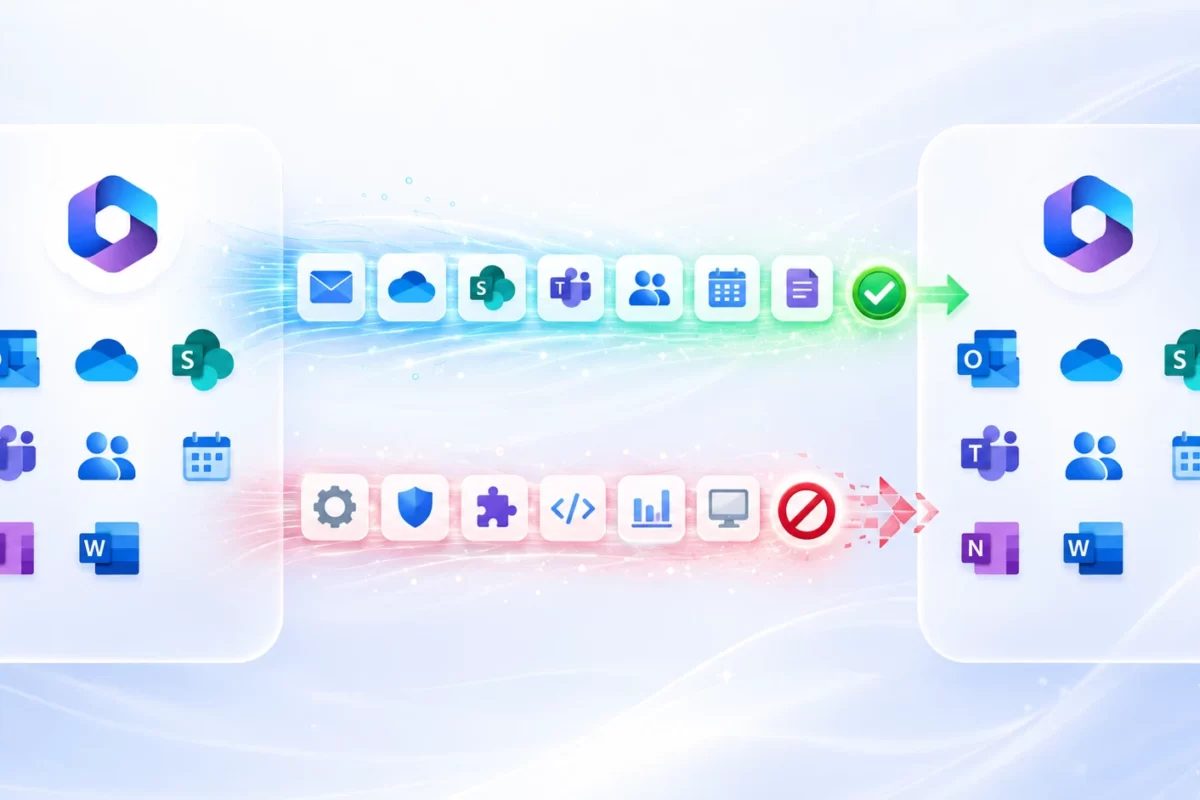
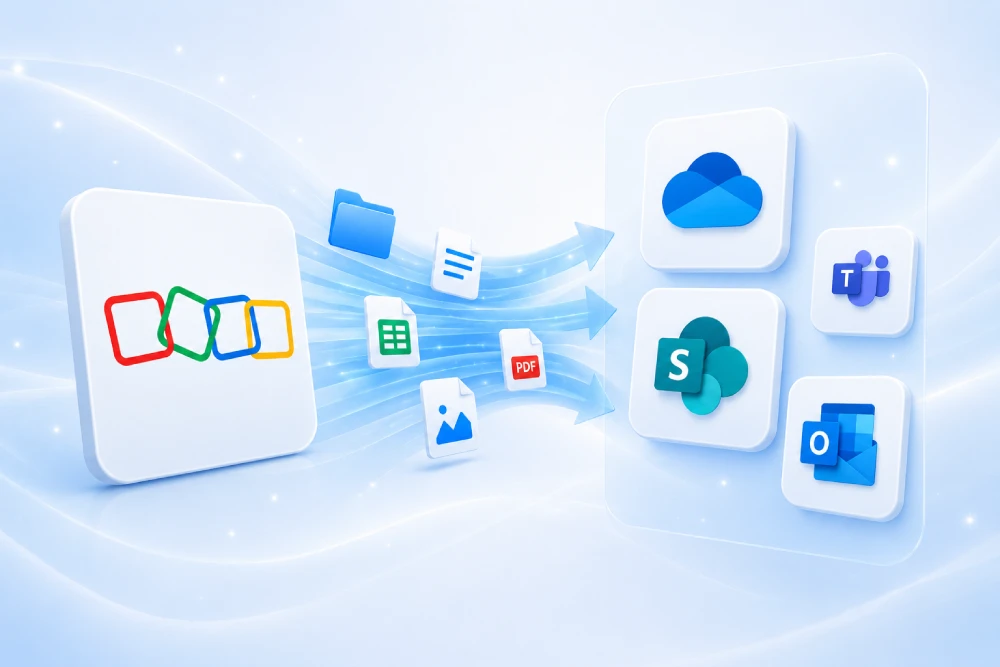
Quest ODM is an Azure-based SaaS platform for migrating Exchange Online, OneDrive, SharePoint, and Teams across tenants. For email, the core flow is: mailbox inventory → batch migration (users, shared, resources) → deltas → optional Desktop Update Agent to automate Outlook reconfiguration. It provides reporting, retries, telemetry, and per-item error handling.
Quest On Demand Migration documentation (English) is linked below.
2. Prerequisites and permissions
Connect source and target tenants in ODM and grant the required application consents for each workload (Exchange/Graph). Validate limits, policies, and target licenses.
Key checks
- Holds/retention/eDiscovery: identify mailboxes with litigation holds or retention that may affect migration.
- Identity matching: same UPNs or CSV; document exceptions (aliases, service accounts).
- Target licensing: assign Exchange Online to all wave users before cutover.
- Conditional Access/MFA: avoid discovery/execution blocks.
.onmicrosoft.com domain in source/target to avoid changes during the domain cutover.3. Project methodology
Work in waves—pilot → non-critical areas → critical areas → stabilization. Plan pre-staging (history), deltas, and a tight cutover window. Communicate by roles and agree on success criteria with the business.
| Phase | Actions | Outcome |
|---|---|---|
| Discovery | Mailbox inventory (user/shared/resource) and volume | Scope & dependencies |
| Mapping | Match identities; owners/delegations; CSV for exceptions | Matching ready |
| Migration | Batches by profile/volume; off-hours windows; retries; deltas | Data pre-loaded |
| Coexistence | Free/Busy, contacts, Email/Domain Rewrite | Continuity |
| Go-live | MX/DNS cutover, DUA, UAT validation | Clean transition |
4. Preparing in ODM: project, tenants, and matching
Step by step
- Create an ODM project and select workloads (Exchange).
- Connect tenants (source/target) and grant consents.
- Run discovery of mailboxes (user, shared, resource).
- Define matching (UPN→UPN) or CSV (see example).
- Plan waves, windows, and success criteria.
Sample CSV (identity matching)
SourceUPN,TargetUPNana.perez@source.com,ana.perez@target.comjuan.garcia@source.com,juan.garcia@target.com5. Exchange Online: mailboxes, calendars, and delegated permissions
Typical design: select mailboxes by waves (user, shared, resource), run pre-staging of history, execute deltas before cutover, and validate with key users. Plan for rules, SendAs/SendOnBehalf/FullAccess, Archive, and non-standard items.
Step by step (ODM)
- Select mailboxes (user/shared/resource) by priority and size.
- Replicate permissions and delegations in the target per your rules.
- Create batches and schedule during off-hours; monitor telemetry and errors.
- Run deltas before cutover to minimize drift.
- Validate send/receive, calendars, and shared access with business users.
Native option: Cross-Tenant Mailbox Migration (CTMM) can be used for some scenarios and combined with coexistence. See Microsoft Learn.
7. Online Archive and PST
Decide whether the In-Place Archive migrates with the mailbox or in a separate wave. Minimize PST use; if legacy PSTs exist, define whether to ingest into the archive or primary mailbox. Document eDiscovery implications.
8. Coexistence: Directory Sync, Free/Busy, and Email/Domain Rewrite
For multi-week/month transitions, combine On Demand Directory Sync (objects/attributes), Exchange organization relationships for cross-tenant Free/Busy, GAL contact publication, and Email/Domain Rewrite services to preserve brand and routing during the transition.
Cross-tenant Free/Busy (Exchange)
Connect-ExchangeOnline
New-OrganizationRelationship -Name "Rel-Target-Tenant" `
  -DomainNames "contoso.com" -FreeBusyAccessEnabled $true `
  -FreeBusyAccessLevel LimitedDetails
9. Desktop Update Agent: reconfigure Outlook on Day 0
The Desktop Update Agent (DUA) automatically reconfigures Outlook profiles on user devices (and OneDrive/Teams if included), reducing tickets and support effort. Deploy via GPO/Intune and schedule the “Switch” task in the cutover window.
- Generate the token for the agent in the ODM project.
- Deploy the MSI with MST (
TOKEN,PASSPHRASE) in silent mode. - Schedule the Switch for the cutover moment.
- Fallback: user guide to close Outlook and rebuild the profile if needed.
10. Domain move and DNS (MX/SPF/DKIM/DMARC)
The domain cutover is the visible milestone. Lower TTL in advance, clear references in source (UPN, proxyAddresses, groups, apps), then verify and initialize the domain in target with MX/SPF/DKIM/DMARC. Validate delivery and signatures before tightening DMARC policy.
# MX to Exchange Online Protection
MX @ 0 → contoso-com.mail.protection.outlook.com

# SPF / DKIM / DMARC
TXT @ "v=spf1 include:spf.protection.outlook.com -all"
CNAME selector1._domainkey → selector1-contoso-com._domainkey.contoso.onmicrosoft.com
TXT _dmarc "v=DMARC1; p=quarantine; rua=mailto:dmarc@contoso.com"
Ensure SPF doesn’t exceed 10 DNS lookups. DMARC ramp-up: none → quarantine → reject with monitoring.
11. Security and compliance
- MFA + Conditional Access (exclude break-glass accounts with controlled measures).
- Defender for Office 365: anti-phishing, Safe Links/Attachments updated for the new domain.
- Purview: retention, sensitivity labels, and eDiscovery aligned to the new tenant.
- Guests: external collaboration policy and access review after each wave.
12. Licensing after migration
| Plan | Includes | Security/management | Use when |
|---|---|---|---|
| Business Basic | Mail, Teams, web apps | Basic | Light/frontline profiles |
| Business Standard | + desktop apps | Productivity | Heavy Office use |
| Business Premium | + Intune/security | Advanced | SMBs with security needs |
| E1/E3/E5 | Scale and compliance | Extended | Mid/large or regulated |
13. Performance, limits, and throttling
Mailbox migrations are subject to service limits and throttling. Size batches by volume and criticality, avoid peaks, honor retry-after, and measure pilot throughput to extrapolate.
- Protocol throttling: APIs (e.g., EWS/Graph) apply limits; implement exponential backoff.
- Concurrency: prioritize large/shared mailboxes in dedicated waves.
- Off-hours windows: schedule tasks outside peak hours and communicate impacts.
14. Operational checklists
Before migration
- Tenants connected and consents in ODM.
- Identity matching (UPN/CSV) with documented exceptions.
- Inventory of permissions (SendAs/SendOnBehalf/FullAccess) and critical rules.
- Wave plan, windows, and role-based communications.
- Pilot with KPIs (delivery, calendars, delegations).
During
- Console monitoring; error handling and retries.
- Deltas before cutover; functional validation.
- Active coexistence: Free/Busy, contacts, optional Rewrite.
After
- Domain cutover: MX/SPF/DKIM/DMARC verified.
- DUA executed; Outlook reconfigured.
- Reinforced support in week 1; cleanup of old rules and aliases.
15. KPIs, UAT, and acceptance
| Area | Test | Success |
|---|---|---|
| Delivery after cutover | 0 bounces; valid DKIM/DMARC | |
| Calendars | Cross-tenant Free/Busy | Availability visible |
| Delegations | SendAs/FullAccess | Permissions working |
| Support | Tickets per user | < 0.3 in week 1 |
16. Common risks and mitigations
| Risk | Prob. | Impact | Mitigation |
|---|---|---|---|
| Incomplete consents | Medium | High | Checklist and pilot |
| EWS/Graph throttling | Medium | Medium | Backoff, staggered batches |
| Lost rules/delegations | Low | Medium | Pre-inventory and re-apply |
| Bounces after cutover | Low | High | MX/DKIM/DMARC validation; controlled tests |
| Outlook not reconfigured | Medium | Medium | DUA + contingency guide |
17. CSVs and helper snippets
SourceUPN,TargetUPN
ana.perez@source.com,ana.perez@target.com
juan.garcia@source.com,juan.garcia@target.comConnect-ExchangeOnline
New-OrganizationRelationship -Name "Rel-Target-Tenant" `
-DomainNames "contoso.com" -FreeBusyAccessEnabled $true `
-FreeBusyAccessLevel LimitedDetails# MX to Exchange Online Protection
MX @ 0 → contoso-com.mail.protection.outlook.com
TXT @ "v=spf1 include:spf.protection.outlook.com -all"
CNAME selector1._domainkey → selector1-contoso-com._domainkey.contoso.onmicrosoft.com
TXT _dmarc "v=DMARC1; p=quarantine; rua=mailto:dmarc@contoso.com"18. Frequently asked questions
What’s the difference between Quest ODM and the native migration (CTMM)?
CTMM uses MRS and native PowerShell to move mailboxes cross-tenant. ODM adds a unified console for multiple workloads, per-item reporting, and DUA for the “day after.” You can combine approaches per scenario.
How should I handle shared mailboxes?
Create a dedicated wave: inventory permissions, validate rules, and test with the teams that use them.
Are rules, categories, and Autocomplete suggestions migrated?
Rules usually move if still valid; categories/autocomplete may require recreation depending on the method. Set expectations with the business.
What about archiving and PST?
Decide whether In-Place Archive migrates with the mailbox or separately. Avoid PST except for specific legacy cases; define ingestion if they exist.
Can we keep coexistence for weeks?
Yes—use Directory Sync, organization relationships for Free/Busy, GAL contacts, and (if needed) Email/Domain Rewrite during the transition.
19. Official resources
- Quest — On Demand Migration (User Guide)
- Quest — Desktop Update Agent (User Guide)
- Microsoft — Cross-Tenant Mailbox Migration (native)
- Microsoft — Organization Relationship (Free/Busy)
- Microsoft — Configure SPF
- Microsoft — Configure DMARC
- Microsoft — DNS for Microsoft 365 services
- Microsoft — EWS throttling
- Microsoft — Migrate mailboxes across tenants (third-party)
20. Conclusion and next steps
A well-planned cross-tenant email migration blends pre-staging and deltas, coexistence (Free/Busy + contacts + Rewrite), Desktop Update Agent on endpoints, and a rehearsed domain cutover with MX/SPF/DKIM/DMARC. With Quest ODM you gain per-item visibility and control—and a much calmer Day 0.
Want MSAdvance to manage it end-to-end?
Assessment, coexistence, user/shared/resource mailbox migration, domain cutover, security, and adoption—all measured with clear KPIs.