
Copilot Studio: how to build agents step by step (2025 guide)
This guide explains how to build an agent in Copilot Studio from start to finish: environment prep, use-case design, how to choose knowledge sources, build agent actions (integrations), write high-quality prompts, test and evaluate, and publish to Microsoft Teams, web (Direct Line), and WhatsApp. It includes security (DLP/GDPR) best practices, ALM, key metrics, checklists, and official links.
Want to launch your first agent with confidence?
At MSAdvance we design the agent, connect data and systems, configure channels (Teams/web/WhatsApp), and set up metrics and governance.
Official Microsoft video on YouTube.
What is Copilot Studio?
Copilot Studio is Microsoft’s platform to create conversational agents (copilots) with a visual interface, enrich them with enterprise knowledge, and let them execute actions against your systems. You can publish to Microsoft Teams, web (iframe/Direct Line), and external channels like WhatsApp via Azure Communication Services.
Its power rests on three pillars: Knowledge (grounding over your sources), Actions (integrations with APIs/Power Automate/Graph), and Orchestration (prompts/rules that define behaviour). Result: more accurate answers and task automation in a single conversational flow.
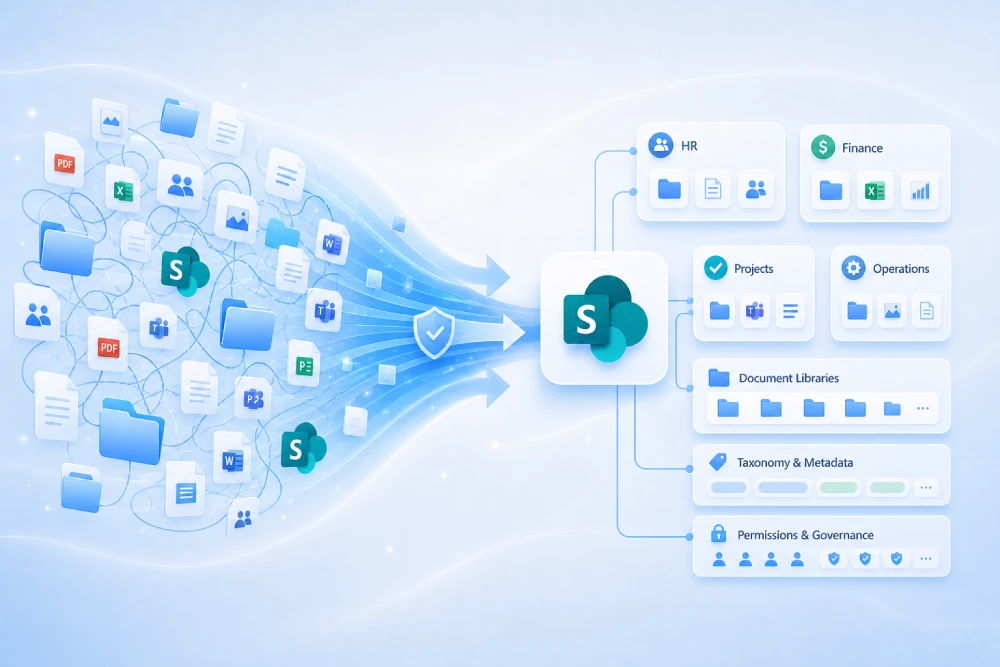
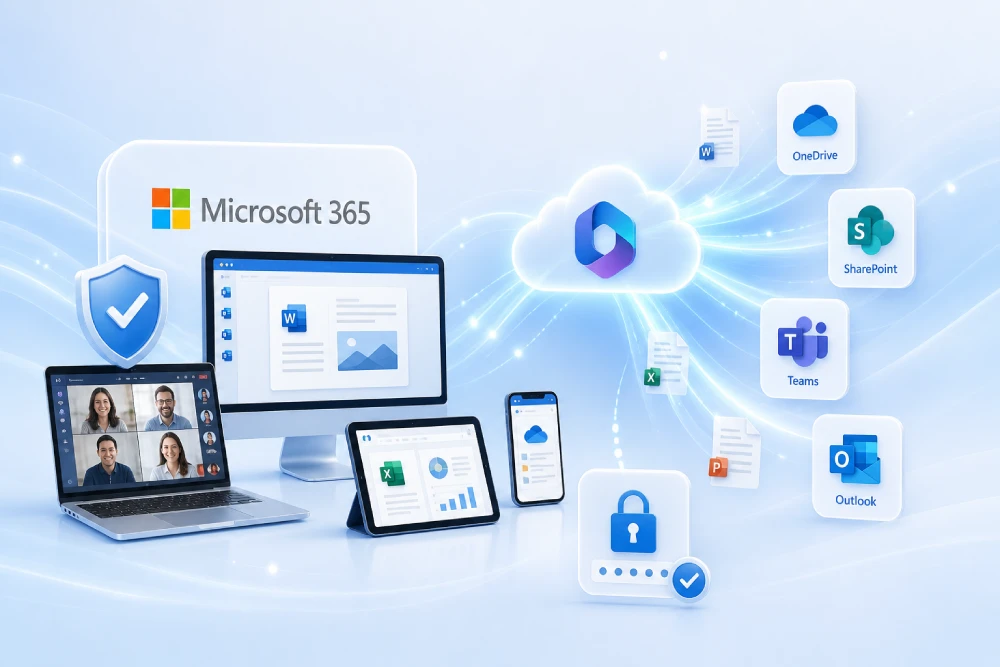
Quick gallery (UI & architecture ideas)


Requirements and environment preparation
- Capacity: enable Copilot Studio (packs or PAYG) and, for consumption-based usage, link Azure billing.
- Access: assign the Copilot Studio User License to makers; grant the Environment Maker role in the environment.
- Environments: prepare Dev / Test / Prod with separate consumption quotas.
- DLP: define data loss prevention policies before connecting external data or actions.
- Service identities: register an app in Microsoft Entra ID (formerly Azure AD) for API calls and store secrets in Key Vault.
- Telemetry: choose which dashboards to use (built-in analytics and/or export to Power BI) and alert thresholds.
Work inside Solutions from day one to simplify ALM (migrations and versioning).
Agent design: objectives, intents, and KPIs
- Define objectives (max 2–3): e.g., “resolve HR FAQs” and “create L1 tickets”.
- Intent map: list questions/actions by priority (MoSCoW: Must/Should/Could/Won’t).
- Knowledge scope: what classic FAQs cover, what goes to grounding, and what needs actions.
- Constraints: technical/business limits (what it can read/write, by role or group).
- KPIs: resolution rate, ticket deflection, CSAT, cost/conversation, and P50/P95 latency.
Agent PRD template (summary): purpose → users → intents → sources → actions → policies (privacy/security) → metrics → milestones.
Knowledge sources: SharePoint, web, and internal data
Your accuracy depends on source quality and curation. Combine:
- Classic FAQs: write “official” answers for repetitive topics. Cheap, precise, and stable.
- Grounding (RAG): use SharePoint/OneDrive libraries and maintained, versioned corporate URLs.
- Live data: integrate APIs (ERP/CRM/ITSM) via actions to fetch or update information in real time.
| Type | When to use | Strength | Watch out for… |
|---|---|---|---|
| Classic FAQ | Stable policies/processes | Precision, low cost | Needs periodic curation |
| Grounding | Living documentation | Broad coverage | Origin quality/permissions |
| Actions | Real-time data | Closes cases | Security and validations |
Include metadata (owner, date, version, category) and a review workflow to avoid outdated answers.
Agent actions: integrations and automations
With actions the agent does useful work (create tickets, check statuses, book resources). Typical sources:
- Power Automate (standard/premium connectors and Logic Apps).
- Microsoft Graph (calendars, users, files, Teams).
- Your APIs (OpenAPI/Swagger, Azure Functions).
- Dataverse (custom tables/actions).
For write operations, require confirmation (“Do you confirm?”), validate inputs, and log traceability (who, what, when).
Example: “Order status” action (OpenAPI)
{
  "openapi": "3.0.1",
  "info": { "title": "Orders API", "version": "1.0.0" },
  "paths": {
    "/orders/{id}": {
      "get": {
        "summary": "Get order status",
        "parameters": [{ "name": "id", "in": "path", "required": true, "schema": { "type": "string" } }],
        "responses": { "200": { "description": "OK" } },
        "security": [{ "oauth2": ["orders.read"] }]
      }
    }
  },
  "components": {
    "securitySchemes": {
      "oauth2": {
        "type": "oauth2",
        "flows": {
          "clientCredentials": {
            "tokenUrl": "https://login.microsoftonline.com/{tenant}/oauth2/v2.0/token",
            "scopes": { "orders.read": "Read orders" }
          }
        }
      }
    }
  }
}
Import the OpenAPI document into Copilot Studio or invoke it from a Power Automate flow.
Prompts and behaviour: style guide and control
- System instructions: role, tone, language, limits (“if there’s not enough evidence, ask for clarification or hand off”).
- Format: respond with clear headings, actionable steps, links to sources, and avoid long paragraphs.
- Sources: when using grounding, add a link to the page/document backing the answer.
- Security: never fabricate personal data; never expose secrets; handle PII according to GDPR.
Starter prompt template (copy/paste)
You act as a support agent for {product}.
- Respond in clear English.
- Use only the allowed sources (SharePoint/URLs).
- If there is no evidence, ask for more context or offer a human handoff.
- For actions, ask for confirmation before executing.
Format: short title, numbered steps, source links.
Step-by-step build in Copilot Studio
- Create the agent (Dev environment) → name it, default language, and welcome message.
- Add knowledge → “Knowledge” → add SharePoint/OneDrive/URLs; create 15–30 classic FAQs for critical topics.
- Define actions → “Actions” → connect Power Automate/Graph/APIs; add environment variables (URLs/IDs).
- Configure prompts → set system instructions, limits, and style; require source citations.
- Test in the Test canvas → happy paths, edge cases, and noisy inputs; review traces and per-event consumption.
- Telemetry → enable native dashboards and, if applicable, export to Log Analytics/Power BI.
- Prepare publishing → access permissions, privacy policy, announcements, and launch FAQ.
Testing, evaluation, and quality
- Test dataset: 30–50 real questions per intent (include typos and jargon); define an “expected answer”.
- Classic conversion: move repetitive responses into classic FAQ (faster and cheaper).
- Security: test prompt injection, PII, and high-risk operations; validate fallback to human.
- Continuous evaluation: review transcripts weekly; refactor low-confidence answers.
- UAT: 10–20 end users for 1–2 weeks; target ≥ 60% first-contact resolution.
Publishing to Teams, web, and WhatsApp
Teams/Microsoft 365: ideal channel for internal assistants. Web: quick demo or integration via Direct Line (auth/CORS control). WhatsApp: via Azure Communication Services (verified number and templates).
- Roles & permissions: limit access by groups; define agent owners and reviewers.
- Telemetry: ensure dashboards measure usage, satisfaction, and errors.
- Gradual rollout: UAT first, then production with feature flags and controlled announcement.


Embed snippet (Web Chat + Direct Line)
<div id="webchat"></div>
<script src="https://cdn.botframework.com/botframework-webchat/latest/webchat.js"></script>
<script>
  const dl = window.WebChat.createDirectLine({ token: "YOUR_DIRECT_LINE_TOKEN" });
  window.WebChat.renderWebChat({ directLine: dl, locale: "en-US" }, document.getElementById("webchat"));
</script>
Issue the Direct Line token from your backend (secret exchange) and apply appropriate CORS/CSRF.
Conversational UX, accessibility, and multilingual
- Onboarding: one value sentence + 3 clickable example questions.
- Accessibility: ARIA landmarks, AA+ contrast, keyboard navigation.
- States: “thinking…” indicator and streaming to reduce perceived latency.
- Language: detect language or set
locale; duplicate FAQs in target languages. - Fallback: offer a human handoff (ticket/chat) when confidence is low or PII is involved.
Security, GDPR, and governance (DLP)
- DLP: separate business vs. non-business connectors; block high-risk sources.
- Privacy: notice about AI usage, retention, and legal basis; channel for data subject rights.
- Access: least privilege for makers; audit publications/changes.
- Content: version sources, remove obsolete items, and require an owner per document.
- Sensitive actions: role-based limits, approvals, and rate limits.
ALM: versions, environments, and deployments
- Work in Solutions (Dev): agent, flows, connections, and environment variables.
- Use connection references and environment variables for URLs, IDs, and secrets.
- Export/import as managed to Test → run UAT → promote to Prod with approval.
- Document a changelog (prompts, actions, sources) and create a rollback plan.
Metrics, costs, and optimisation
| KPI | Initial target | How to improve |
|---|---|---|
| First-contact resolution | ≥ 60% | More classic FAQs and actions that close cases |
| Ticket deflection | ≥ 30% | Automate frequent tasks (resets, statuses) |
| CSAT | ≥ 4/5 | Clear answers + human handoff |
| Cost/conversation | ↓ month over month | Convert generative to classic where viable |
| P50/P95 latency | ≤ 3s / 8s | Streaming, caching, and leaner grounding |
Cost optimisation
- Use classic FAQs for repetition and reserve grounding/actions for high-value tasks.
- Tighten prompts for more concise answers and reuse approved snippets (answer bank).
- Curate sources: remove obsolete docs and improve metadata to reduce hallucinations.
- Combine base capacity + PAYG to absorb peaks smoothly.
Go-Live checklist
| Area | Item | Status |
|---|---|---|
| Knowledge | Critical FAQs reviewed and versioned | □ |
| Actions | Validations, confirmations, and auditing enabled | □ |
| Security | DLP applied, least privilege, secrets in Key Vault | □ |
| Privacy | AI notice, retention, GDPR legal basis | □ |
| ALM | Managed deployment and rollback plan | □ |
| Telemetry | KPI dashboard and alerts configured | □ |
| Support | Feedback channel and human escalation | □ |
FAQ
What do I need to get started?
A Power Platform environment, Copilot Studio capacity (pack or PAYG), maker licenses, DLP policies, and a simple agent PRD.
How do I add knowledge?
In “Knowledge”, add SharePoint/OneDrive/URLs and create classic FAQs for critical topics. Version content and assign an owner per source.
How do I connect business systems?
With actions that call Power Automate flows, Microsoft Graph, or your APIs (OpenAPI/Swagger). Use app identities and least privilege.
Can I publish outside Microsoft 365?
Yes: web via iframe/Direct Line (secure token handling and CORS) and WhatsApp via Azure Communication Services (verified number and templates).
How do I manage changes without breaking production?
Work in Solutions (Dev → Test → Prod), use environment variables, and deploy as managed with approval.
Official links
Conclusion and next steps
Building an agent in Copilot Studio is an iterative process: design the use case, feed knowledge, connect actions, test with real users, and publish with security and metrics. With a base of classic FAQs, curated grounding, and well-designed actions, your copilot can solve most queries and automate tasks at a predictable cost.
Want to accelerate your first rollout?
We help with design, data, integrations, security, ALM, and operations.